Chase a Storm Codes
Honest status on promo codes, redeem tips, and where new drops usually appear.
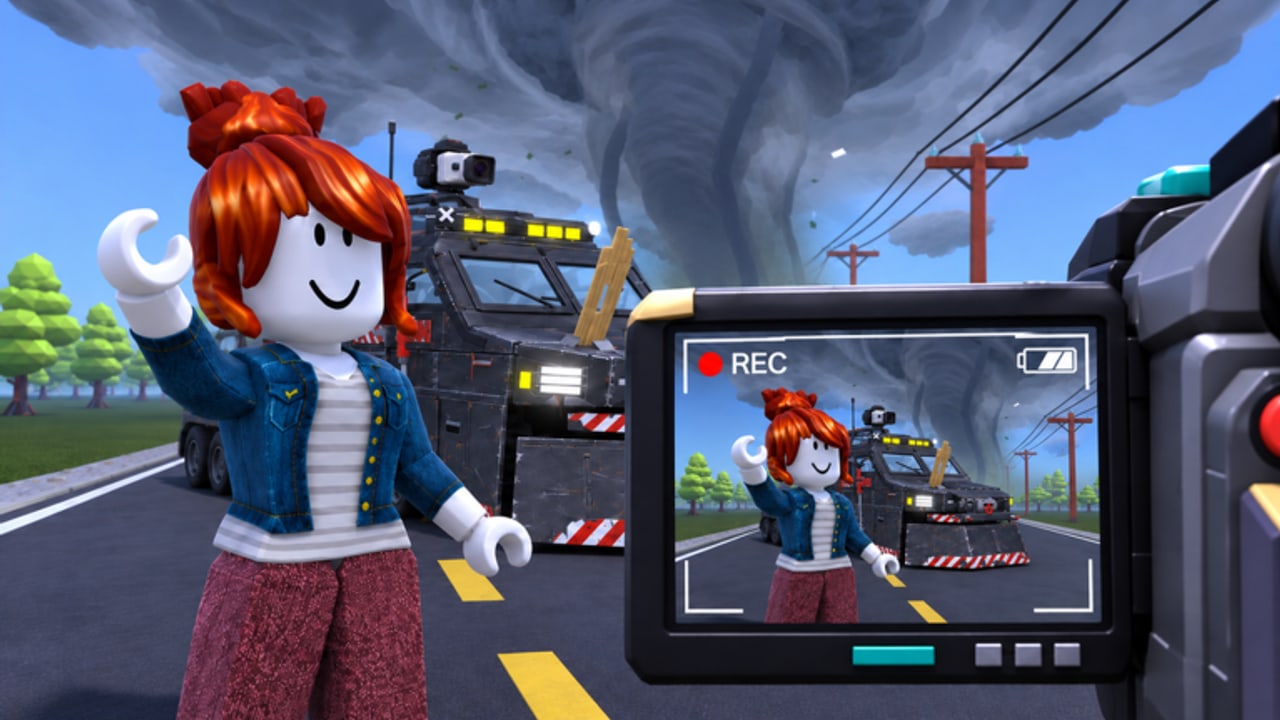
Looking for Chase a Storm Roblox codes? This hub keeps an honest list of confirmed promos, redemption steps, and the places nonlethal studios usually announces gifts. As of November 2026 research, there are no widely published working promo codes for Chase a Storm. That can change after like milestones, Season patches, or group shouts—bookmark this page and check after every update.
Chase a Storm! is a co-op storm-chasing experience (up to four players) where you film tornadoes for Storm Points, manage camcorder battery, and upgrade your truck and gear between chases. Codes, when they exist, typically speed early progression so you can unlock better interceptors faster. Until a verified code drops, spend your time on solid chase habits from the Guides Hub and smart vehicle picks on the Tier List Hub.
Current codes status
| Status | Details |
|---|---|
| Confirmed working | None publicly verified right now |
| Expired / fake lists | Ignore random paste sites that invent strings |
| Last research pass | November 2026 |
If you see a code claimed on social media, wait for it to appear in an official channel (group wall, studio post, or in-game notice) before trusting it. Unverified lists often recycle codes from other tornado games.
How to redeem when a code drops
The in-game Codes UI can move between updates, so treat these as a checklist rather than a fixed map:
- Launch Chase a Storm on Roblox and join a server.
- Open the main Menu or Settings panel from the lobby or pause UI.
- Look for a Codes, Redeem, or shop-adjacent gift button—wording may vary after Season patches.
- Enter the code exactly (watch capitalization and zeros vs the letter O).
- Confirm rewards in inventory, currency, or a toast notification, then start a chase to verify Storm Points or gear applied.
If no Codes button appears, check the group wall and recent studio posts first—sometimes codes are announced before the redeem UI is enabled for everyone. After redeeming, upgrade gear between chases so the free reward actually improves film distance or truck survival.
Where new codes usually appear
Nonlethal studios and community channels tend to surface gifts in these places:
- Group wall / shout on nonlethal studios (~91k+ members)—join and enable notifications.
- Like or visit milestones on the Roblox experience page (common Roblox promo pattern).
- Update posts when Season content or new interceptors land—see the Updates Hub and Season 2.
- In-game lobby banners or shop highlights after a patch.
When a code is confirmed here, we will add a table with reward, platform notes, and expiry if known. Until then, assume no active public codes and avoid sites that pressure you to download executors “to unlock codes.”
What to do instead of waiting on codes
Storm Points from clean film runs beat sitting on a dead codes page. Prioritize:
- Learn day-one flow in Getting Started and practice filming without draining the camcorder battery on every false alarm.
- Study tornado types (rope, cone, wedge, multi-vortex, rain-wrapped, fire) so you pick safer intercept angles.
- Compare rides on the interceptor tier list—Dominus 2, Dominus 3, Siv 2, USAV, and the starter truck all have different film vs intercept strengths.
- Read controls and HUD tips so co-op roles (driver, cam operator, spotter) stay coordinated.
- Track Season 2 day badges and new interceptors so your upgrade path matches the current meta.
Codes are a bonus, not a progression plan. Crews that manage battery, debris, and lightning still out-earn players who only refresh code lists.
Safety notes
Never share your Roblox password to “claim a code.” Never install third-party redeem tools. This wiki will not invent fake codes to fill a table. When a real promo appears from nonlethal studios, it will be listed here with clear working / expired labels.
For scripts and automation claims, see the Scripts Hub—most “code generators” are unrelated malware pitches. Stick to official redeem UI and group announcements.
Related hubs
- Guides Hub — chase tactics and beginner walkthroughs
- Tier List Hub — which interceptors to unlock first
- Updates Hub — patch timing for new promos
- Players Hub — controls, HUD, and co-op roles
- Wiki overview — official links and site map
Frequently Asked Questions
Quick answers for Chase a Storm chasers.
Are there any working Chase a Storm codes right now?
As of November 2026 research, there are no widely published confirmed public promo codes. Check this page and the nonlethal studios group after updates.
Where do I redeem a code in Chase a Storm?
Open Menu or Settings from the lobby or pause UI and look for a Codes or Redeem button. Exact labels can change after patches—also watch the group wall when a promo is announced.
Where are new codes usually posted?
Typically on the nonlethal studios group wall or shout, experience like milestones, update posts, or in-game lobby notices. Avoid random third-party lists.
Do codes work on mobile and PC?
Roblox promo codes usually redeem on any platform once the in-game Codes UI accepts them. Enter the string exactly the same way on mobile, PC, or console.
What should I unlock if there are no codes?
Focus on Storm Points from filming, then upgrade truck and gear between chases. Use the interceptor tier list and Getting Started guide for an efficient path.